Adding hashtags to Facebook Reels after posting is an effective way to increase reach, boost visibility, and drive traffic to your website or posts. To grow a wider audience and gain more followers, include related topics, follow a step-by-step guide, and apply smart strategies. Research shows the platform gets over 140 billion plays per day, so using them effectively is an essential part of any marketing strategy.
To improve performance, choose the right tags, plan well, and focus on maximizing the impact of your content now for complete success and taking it to the next level.
Why Hashtags Matter for Facebook Reels
Hashtags categorize content. Make it easier for users searching for relevant topics to access it. When used effectively, hashtags:
- Increase post visibility: Hashtags can increase engagement by making your posts searchable.
- Niche Audience: Niche hashtags attract users with specific interests.
- Extend your reach beyond followers: Users who don’t follow you can discover your content through hashtags. This can lead to new followers and higher engagement.
Step-by-Step Guide: Adding Hashtags to Facebook Reels After Posting
If you’ve already posted your Facebook Reel and realized you want to add or modify hashtags, follow these steps:
1. Locate Your Reel
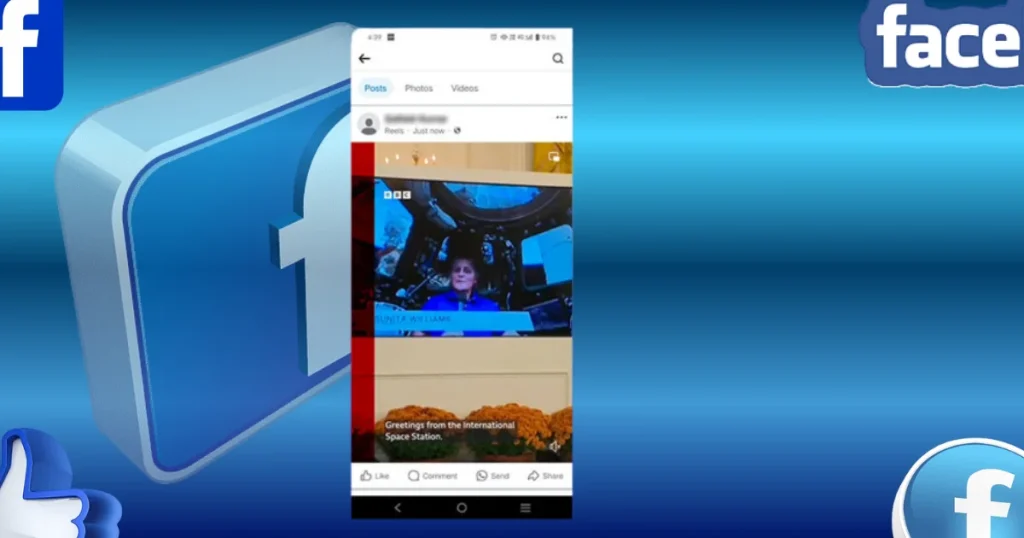
- Open your Facebook profile and tap your picture to access the Reels section.
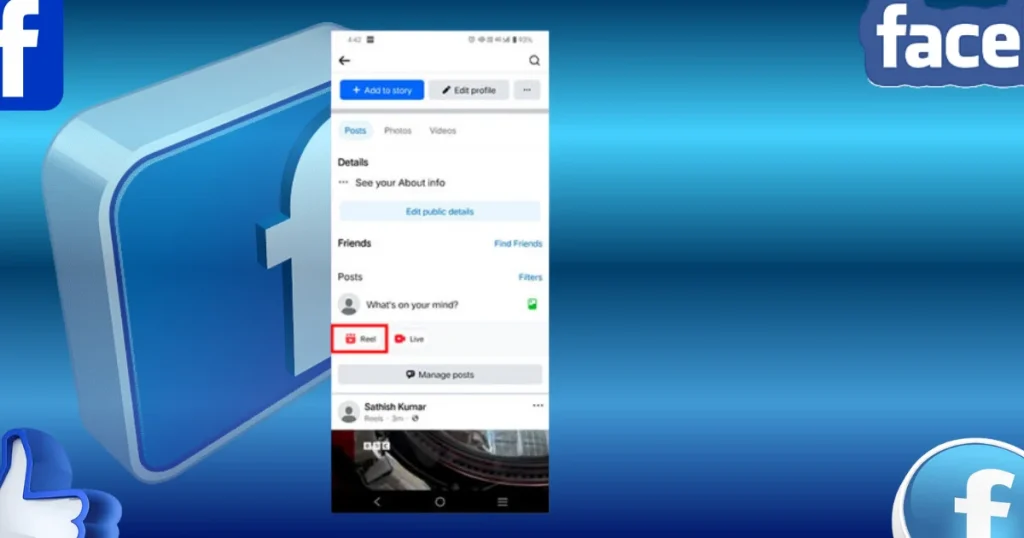
- Go to your page, view all posted Reels, and select your Reel.
2. Edit Your Reel Post
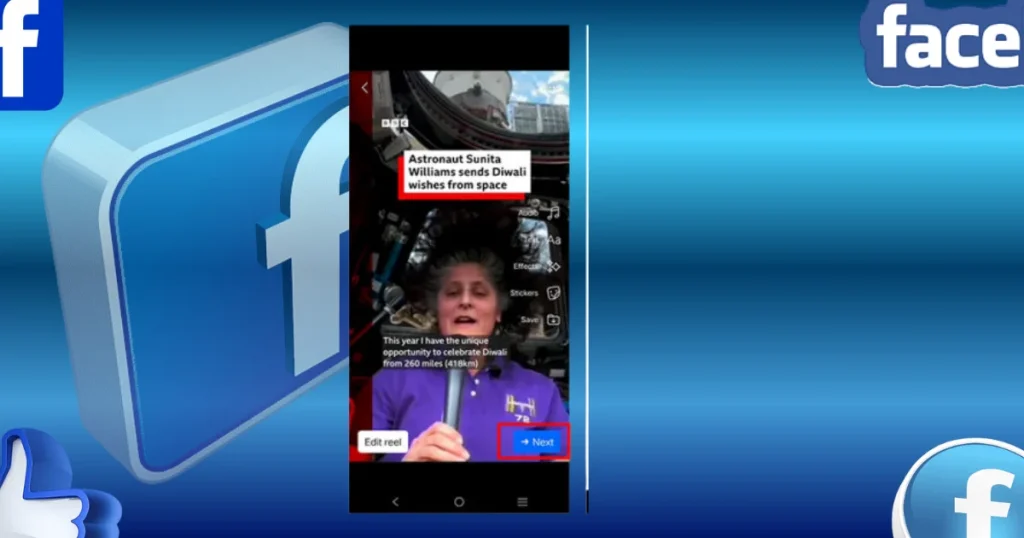
- To edit your Reel post, click the three dots (ellipsis) in the upper right corner; when the menu appears, select “Edit Post” to access the text area.
- In the text area, find the part you want and add or update your hashtags to improve reach.
3. Add or Modify Hashtags
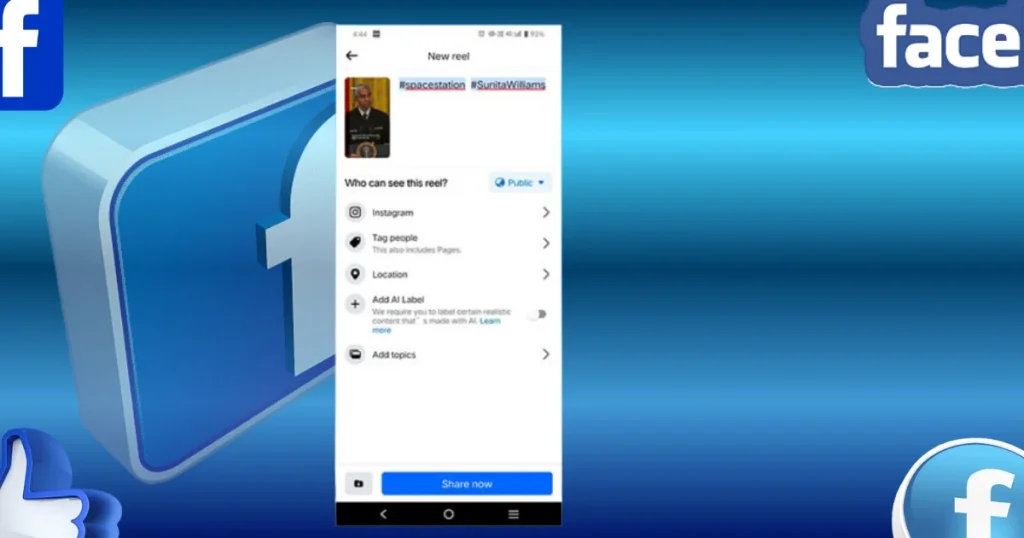
- In the text field, add relevant hashtags. Choosing hashtags that are both popular and relevant to your content is essential for maximum visibility.
- Once you’ve added your desired hashtags, click “Save” or “Update” to finalize your changes.
Tip: Use a blend of broad and niche hashtags. Broad hashtags have a large audience but are highly competitive, while niche hashtags can target more specific audiences and may improve engagement rates.
4. Refresh the Post to Ensure Hashtags Are Active
- After adding hashtags to your Reel, save the post, then exit the editing mode to complete this essential step.
- Check and confirm that the hashtags are visible to ensure the content is optimized and the reach is improved.
Best Practices for Adding Hashtags to Facebook Reels
1. Use a mix of popular and niche hashtags
Using a mix of popular and niche hashtags can increase your Reel’s reach by attracting a larger audience interested in travel, food, and fashion content. Adding closely related tags helps reduce competition and connect with a similar group. These strategies help your posts perform better when choosing hashtags after posting.
2. Limit hashtags to 5-10 per reel
To increase the reach of your reel, it’s recommended to use hashtags wisely and limit them to 5-10 per reel. Too many tags can become clunky, while too few may not help you grow fast. There’s no exact rule, but it’s generally best to stick to a safe number, avoiding a hard cap.
3. Research trending hashtags
To boost engagement on your content, always research trending hashtags in your niche using tools like Hashtagify or RiteTag, which provide valuable insights. These platforms help you choose popular tags and stay up to date on trends, allowing you to tap into what’s relevant in real-time. This approach allows you to enhance visibility on Facebook Reels, even after posting, and helps maximize the reach of your posts.
4. Use branded hashtags
Branded hashtags help build a strong community around your brand by increasing recognition and loyalty. When you use a unique hashtag in your posts, it can encourage followers to engage more and boost content visibility for better reach. Creating branded hashtags also helps increase trust and support around your message.
5. Place hashtags related to the content
When adding hashtags to your Facebook Reel, make sure they clearly reflect the theme and message of your content and are related to your posts. Using irrelevant tags can cause users to ignore your Reel, reduce reach, and lower rates of participation. Always choose tags that people can access easily and that truly match your Reel’s purpose.
Optimizing Facebook Reels for Enhanced Reach
In addition to using hashtags Other optimization strategies It can also help improve the visibility of your Facebook carousel.
1. Use eye-catching thumbnails
To get more views on your Facebook Reels, always use eye-catching thumbnails by selecting a high-quality image or video that’s relevant to the content. Whether you edit or upload custom images, make sure they help viewers quickly identify the clip and encourage them to click, especially on mobile where the default is automatically chosen.
2. Write an interesting caption
Captions should act like movie titles or subtitles, offering clear context to grab the viewer’s attention while watching your Reels. Make them concise, clear, and relevant to the content, and always include a call to action (CTA) to boost engagement by encouraging viewers to interact with your post.
3. Post at the right time
To increase your reach on Facebook Reels, make sure you’re posting at the right times when your audience is most active, using insights based on their activity. Use Facebook Search to experiment and find the best post timing that aligns with viewer habits.
4. Take advantage of Facebook Insights
By using Facebook Insights, you can check analytics like views, engagement, and metrics to see how your content performs with your audience. Look into demographics to refine your hashtag strategy and post at the right time for better participation and to share what truly resonates.
Hashtag Strategies for Facebook Reels in Specific Niches
To gain maximum reach, it’s beneficial to tailor hashtags according to your niche. Here are some suggestions for popular industries:
Fashion and Beauty
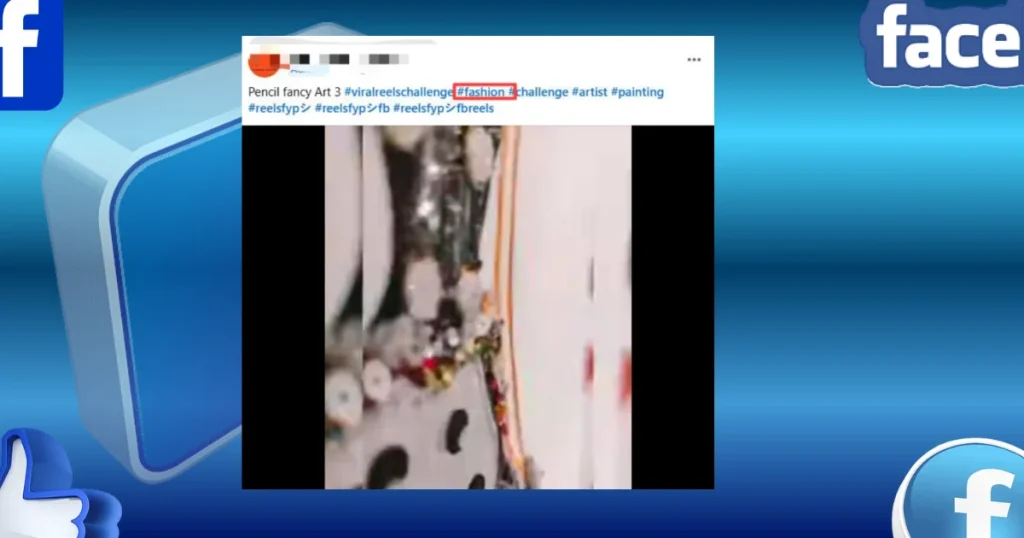
When posting Reels in fashion and beauty, it’s important to use hashtags like #WinterFashion, #NewMakeupTrends, #BeautyTips, #SkincareRoutine, and #FashionInspo to stay relevant with seasonal, trending content. Share makeup and skincare tips as part of your daily routine, and additionally, consider updating tags after posting to reflect new inspo.
Travel

In the travel niche, using hashtags like #TravelGoals, #AdventureAwaits, #ExploreTheWorld, #ExploreItaly, and #BaliTravel can help attract specific users interested in such content. You can also focus on location and trending destinations to target travel enthusiasts effectively.
Food and Cooking
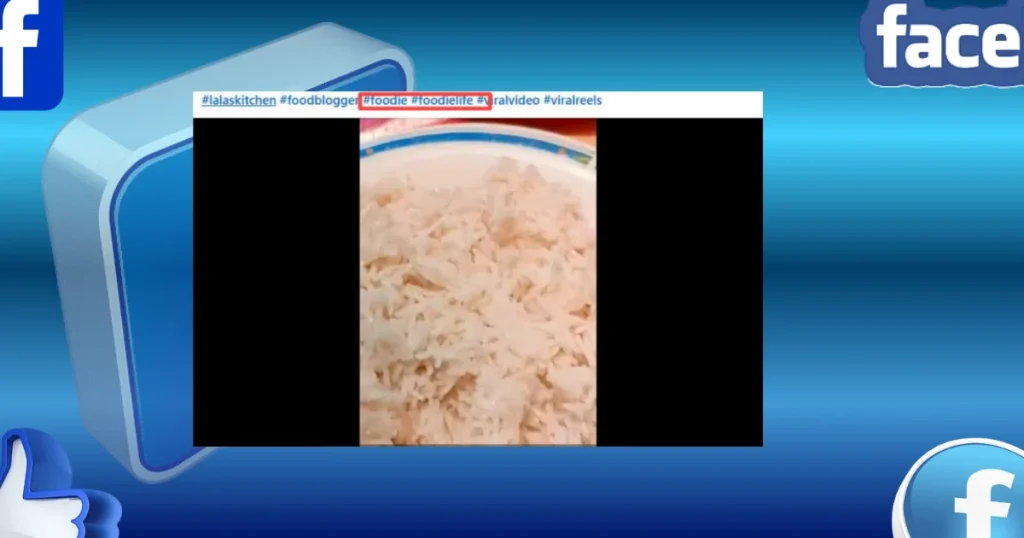
Using hashtags like #FoodieLife, #TastyEats, #RecipeIdeas, #BrunchLovers, and #VeganRecipe on Facebook Reels helps promote food content such as cuisine, vegan meals, or brunch dishes that attract users with specific interests. Highlighting your cooking skills through tasty visuals and creative ideas allows your meal-related choices to reach the right foodie audience looking for the perfect recipe or popular dish.
Health and Fitness
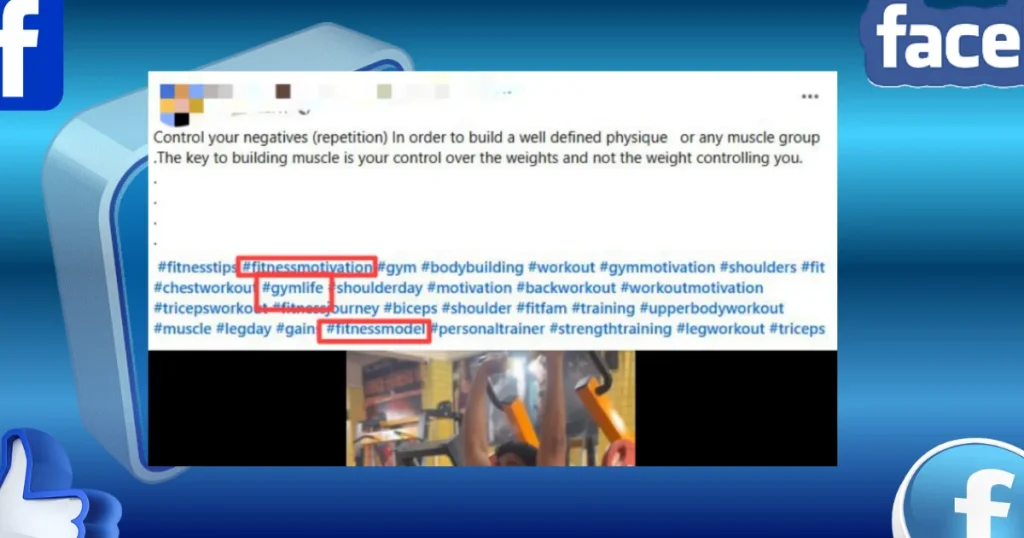
When creating reels about health and fitness, using hashtags like #HealthyLiving, #WorkoutRoutine, #FitnessMotivation, #Fitspiration, and #MindfulEating can draw attention to your content. A consistent workout routine, mindful habits, and healthy eating boost motivation and align with trending topics to gain maximum benefit.
Monitoring and Adjusting Your Hashtag Strategy
After posting your Reels on Facebook, always keep an eye on their performance using Insights to see which specific hashtags your Reel used and how each one performs. If a hashtag performs particularly well, consider using similar ones in future posts. Conversely, if some yield minimal engagement, it’s worth experimenting with different ones that better match your niche.
Are you ready to start posting Facebook Reels?
Facebook offers free tools that help storytellers schedule and publish posts to engage their audience, join relevant conversations, and discover trending topics. With a user-friendly dashboard, you can track the performance of your content and improve your marketing strategy starting today.
Conclusion
To increase the reach and engagement of your Facebook Reels, you can add hashtags even after posting your content. By carefully selecting relevant tags and using attention-grabbing thumbnails, catchy captions, and targeted times, you can significantly boost visibility.
The effective use of optimization strategies, like Performance tracking, helps you create a powerful formula for success in a simple way. All these elements combined ensure your Reels get noticed and perform well.
Frequently Asked Questions
1. Can I Change Hashtags on Facebook Reels After Posting?
Yes, Facebook allows you to edit your Reel posts and add or modify hashtags at any time.
2. What Is the Ideal Number of Hashtags to Use?
Although there’s no strict limit, using between 5-10 relevant hashtags is generally effective for optimizing reach without cluttering the post.
3. Are Hashtags Important for Facebook Reels?
Yes, hashtags are a powerful tool for categorizing your content, increasing discoverability, and attracting new followers to your Facebook Reels.
